M3U Playlist Editor

Your M3U Playlists, Perfectly Organized

Import, edit, reorder and manage your IPTV playlists with a powerful web editor. EPG matching, stream checking, and hosted URLs included.

No credit card required

How It Works

From import to playback in 4 simple steps

1

Import

Upload an M3U file or paste a URL. Handles 300k+ entries.

2

Edit & Organize

Drag & drop, group, search, bulk edit and remove duplicates.

3

Get Your URL

Your hosted URL always serves the latest version of your playlist.

4

Watch Anywhere

Use the URL in any player or our Android TV app.

Everything You Need

A complete toolkit for managing M3U playlists

Android TV App

Stream your playlists directly on your TV. Changes and syncs are reflected instantly in the app — with full EPG integration.

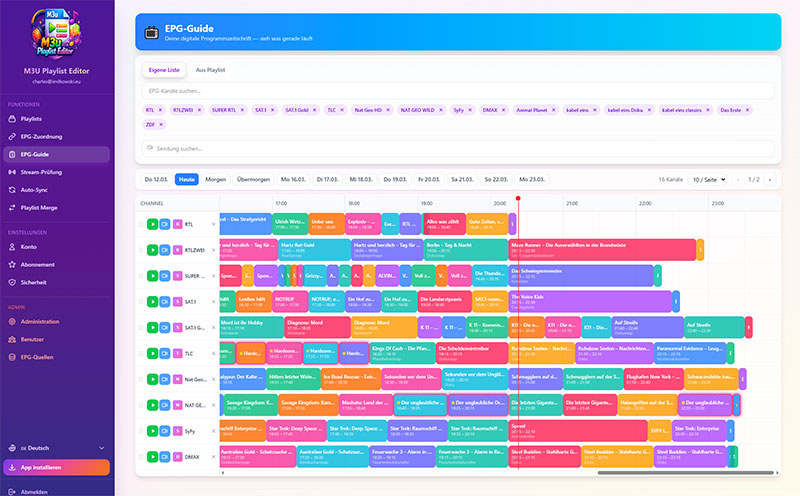
Custom EPG Guide

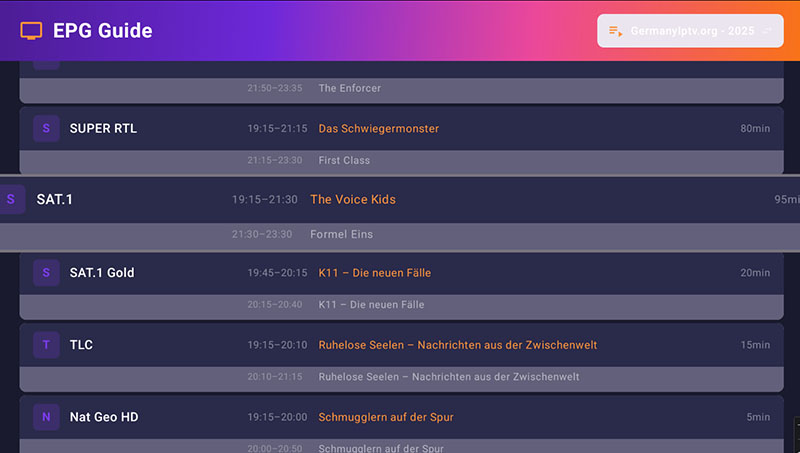
Build your own personalized TV guide. Click any channel to start playback instantly if it's in your playlist.

Auto Sync

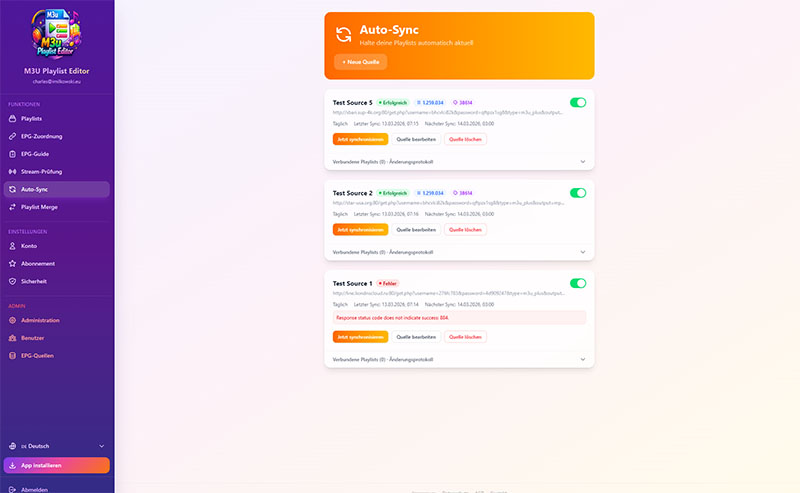
Automatically sync external M3U sources into your playlists. Add new channels, remove old ones — with customizable rules.

Powerful Editor

Drag & drop reordering, group filtering, search, bulk edit, and duplicate detection.

Stream Check

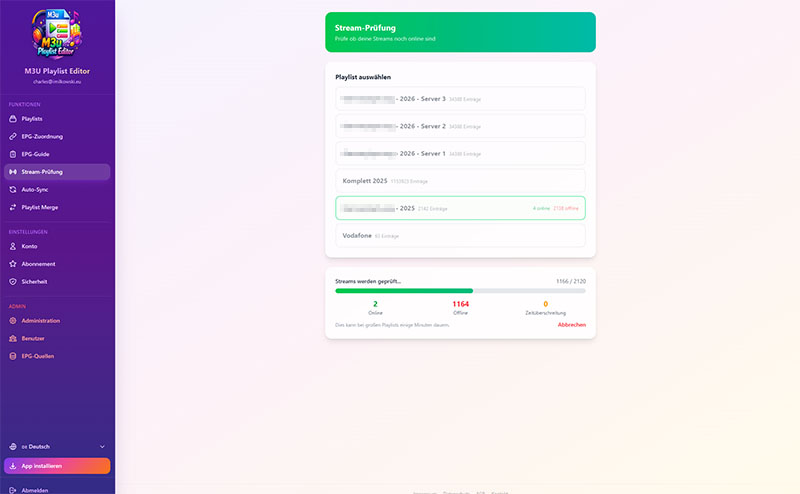
Verify which streams are online with one click. Remove dead channels instantly.

Import Anywhere

Upload M3U files or import directly from a URL. Handles playlists with 300k+ entries.

See It in Action

Explore the web app and the Android TV app
Frequently Asked Questions

What is an M3U playlist and what do I need it for?
An M3U playlist is a text file that contains links to media streams. It is the standard format for organizing IPTV channels. With our editor you can import, edit and manage these playlists directly in the browser.
How do I import my playlist into the editor?
On the dashboard click "Import" and either upload an M3U file or paste a URL. The editor handles playlists with over 300,000 entries.
Is the M3U Playlist Editor free?
Yes, basic features like the editor, import and group management are free. After registration you get free Premium access for a limited time with all features unlocked — no payment required. Premium features such as Stream Check, EPG and Auto-Sync are then available via subscription.
How do I find out which channels still work?
The Stream Check feature automatically tests every channel. You can see immediately which streams are online, offline or unreachable. Afterwards you can remove dead channels or move them to a separate group.
What is EPG and how does channel matching work?
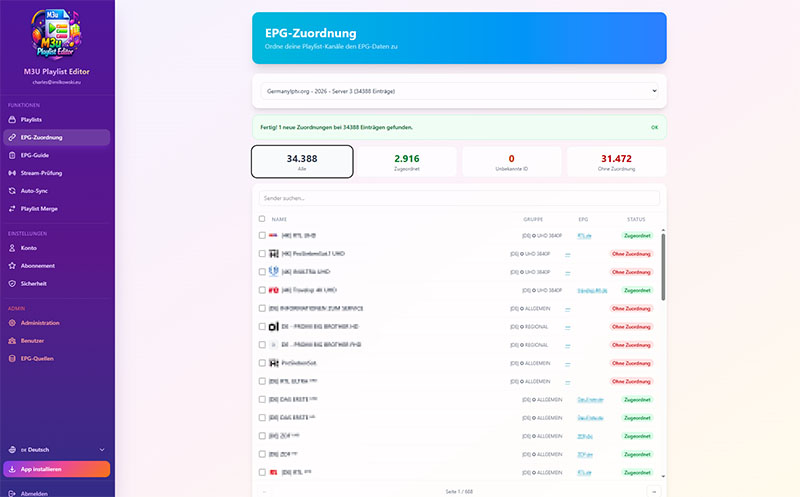
EPG stands for Electronic Program Guide — a digital TV guide. The editor automatically matches your channels to the right EPG data using fuzzy matching. You can also adjust the assignment manually.
Can I automatically update my playlist?
Yes, with Auto-Sync you set an external M3U URL and define rules — add new channels, remove old ones, keep groups. The playlist updates itself.
How do I organize my channels into groups?
In the editor you see all groups of your playlist on the left. You can move channels via drag & drop, rename groups, merge them or use bulk editing to assign multiple channels to a group at once.
Does the editor work on my Android TV?
Yes, there is a dedicated Android TV app. Changes you make in the web editor are synced immediately — including EPG data.
Can I merge multiple playlists?
Yes, on the Merge page you select two or more playlists. The editor automatically detects duplicates during the merge.
Do I need to install anything?
No, the editor runs entirely in the browser. Optionally there is an Android app for your smartphone, tablet and Android TV / Fire TV Stick.